Create a team
Create a team to group people for assignments, project and Playbook access, and filters.
Available onStarterProBusiness
Who can do this: Owner, Admin
A team groups the people who work together, such as the creative team or account management. Assign a task to a whole team, give a team access to a private project or a Playbook folder in one go, and filter a project's tasks by team. Organization owners and admins create teams; everyone can see them.
Create a team
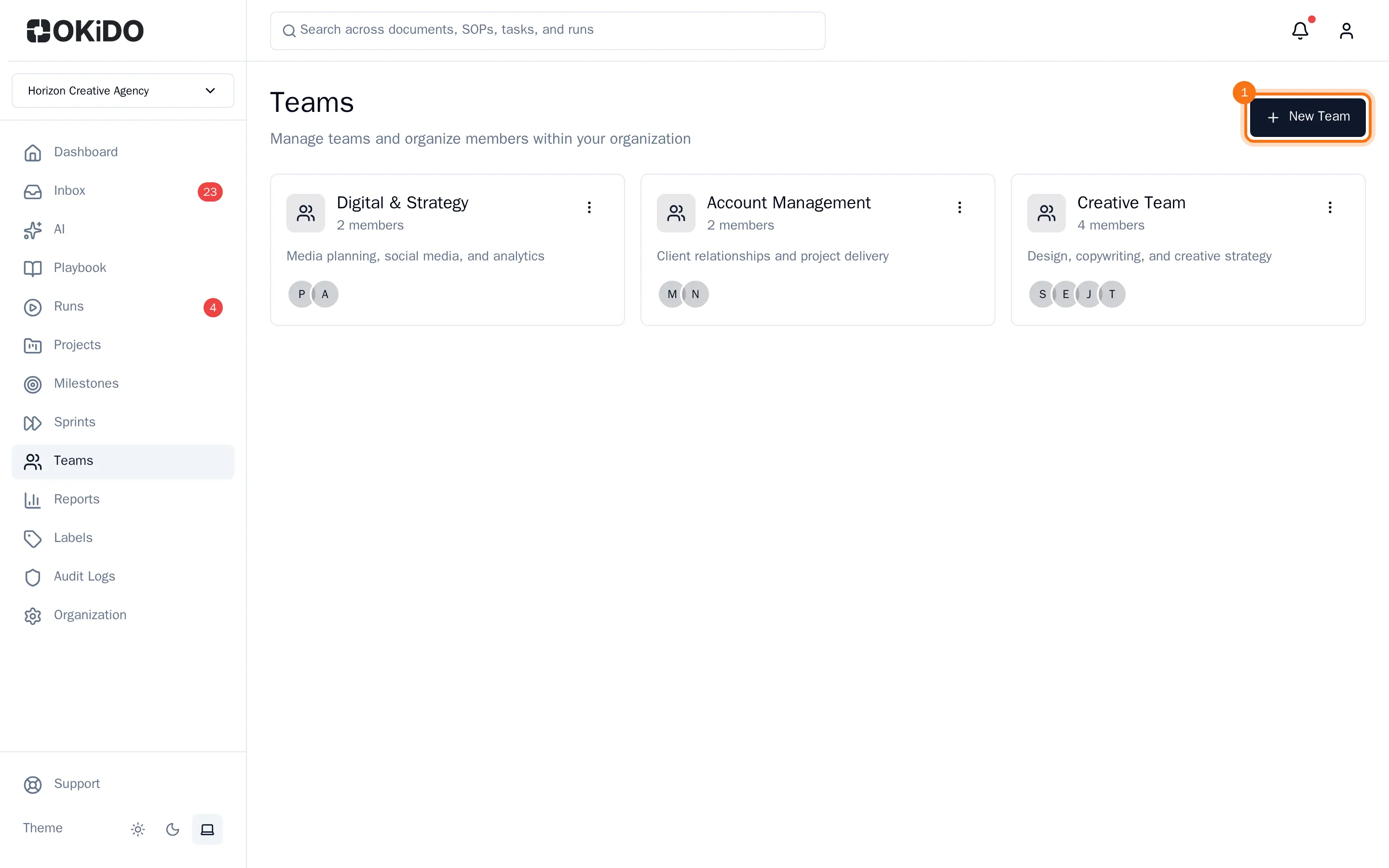
- Choose Teams in the sidebar, then New Team.
- Enter the team name and, if you like, a Description of what the team does.
- Choose Create Team.
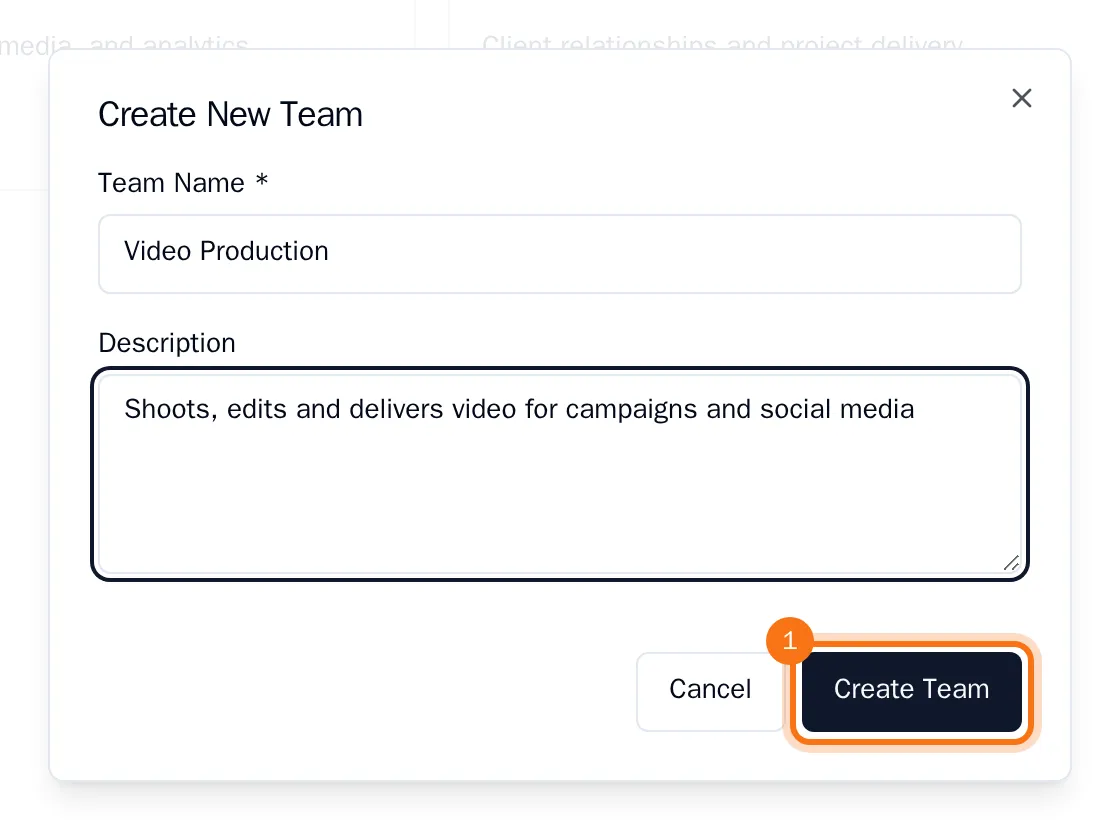
The team appears first in the list, with no members yet. Next, add people to the team.
Rename or delete a team
- To rename a team or change its description, click the team, choose Edit, make the change and choose Save Changes.
- To delete a team, choose the menu button on its card, then Delete Team, and confirm with Delete. This cannot be undone.
Teams are part of the STARTER, PRO and BUSINESS plans.