Update your profile and working hours
Change your name, picture and bio, and set your working days, hours and time zone so reminders reach you at the right time.
Who can do this: Everyone in the organization
Your profile is how your colleagues recognize you in OKiDO: your name and picture show up on the tasks assigned to you and in member lists. Your working hours tell OKiDO when to send you task reminders.
Change your name, picture and bio
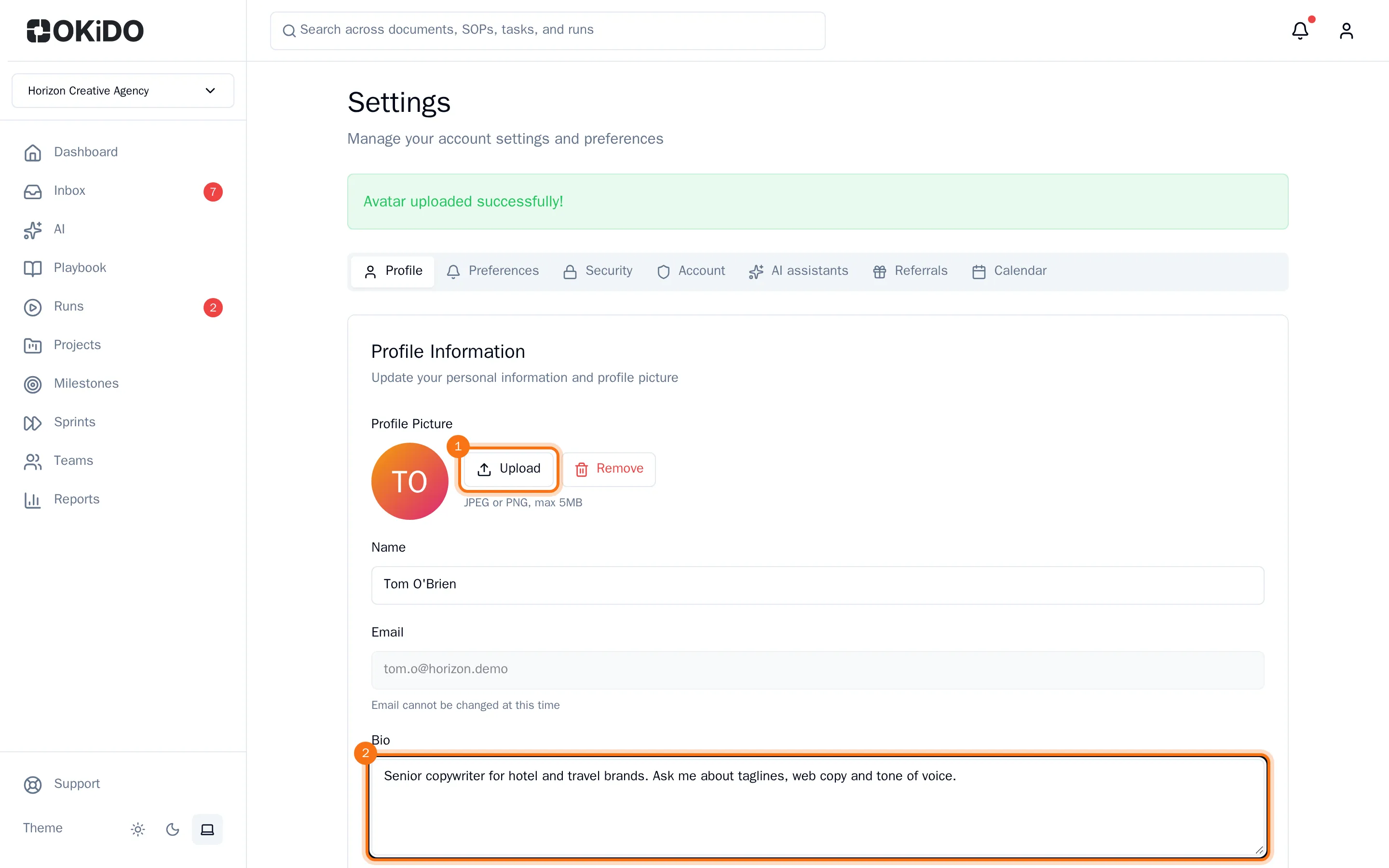
- Open the account menu (the person icon at the top right) and choose Settings. The Profile tab opens.
- Under Profile Picture, choose Upload and pick a photo (JPEG or PNG, up to 5 MB). It is saved right away; Remove takes it off again.
- Change your Name, and tell your colleagues about yourself under Bio.
- Choose Save Changes at the bottom of the tab.
OKiDO confirms that your profile was updated. Your email address is your sign-in name and cannot be changed here.
Set your working hours
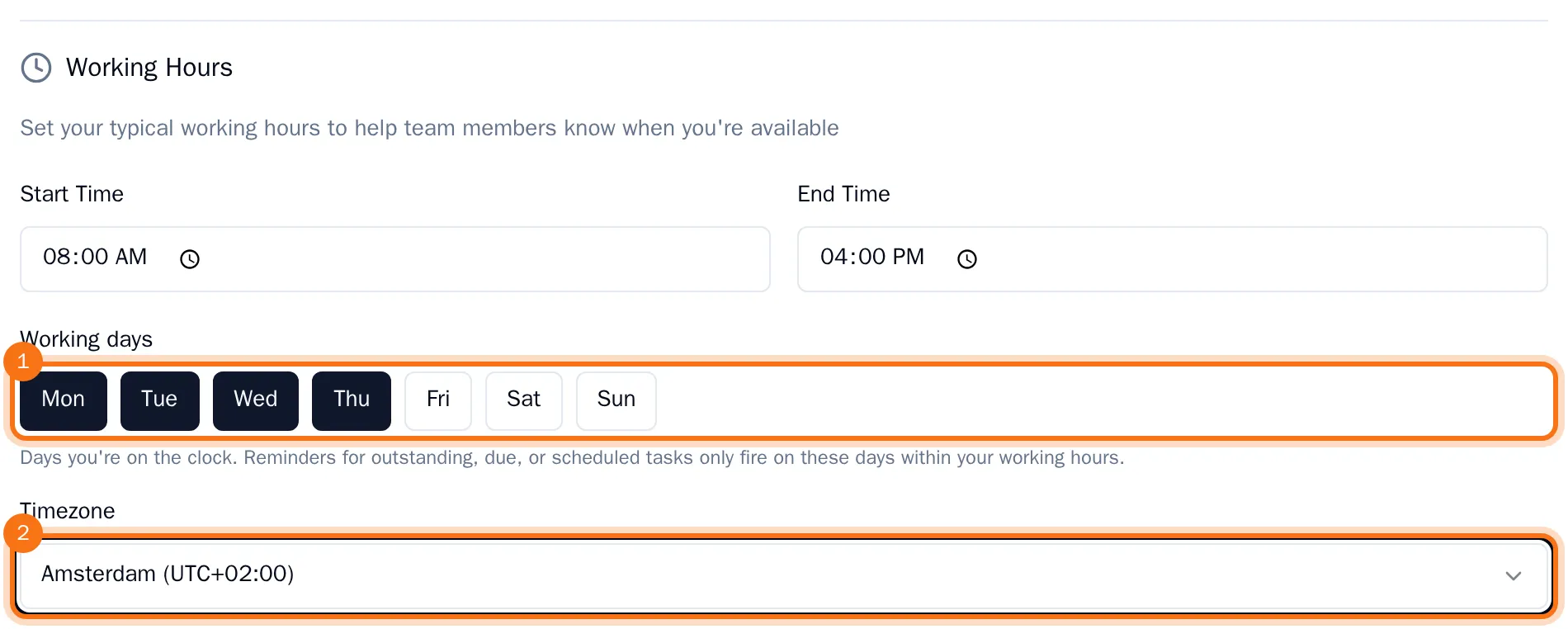
- On the Profile tab, under Working Hours, set your Start Time and End Time.
- Under Working days, choose the days you work. Highlighted days are on; choose a day again to turn it off.
- Choose your Timezone. Type part of a city or region to find it quickly.
- Choose Save Changes.
Task reminders now reach you only on your working days, between your start and end time, in your time zone. Choose which reminders you get in Choose how you get notified.
See your account details
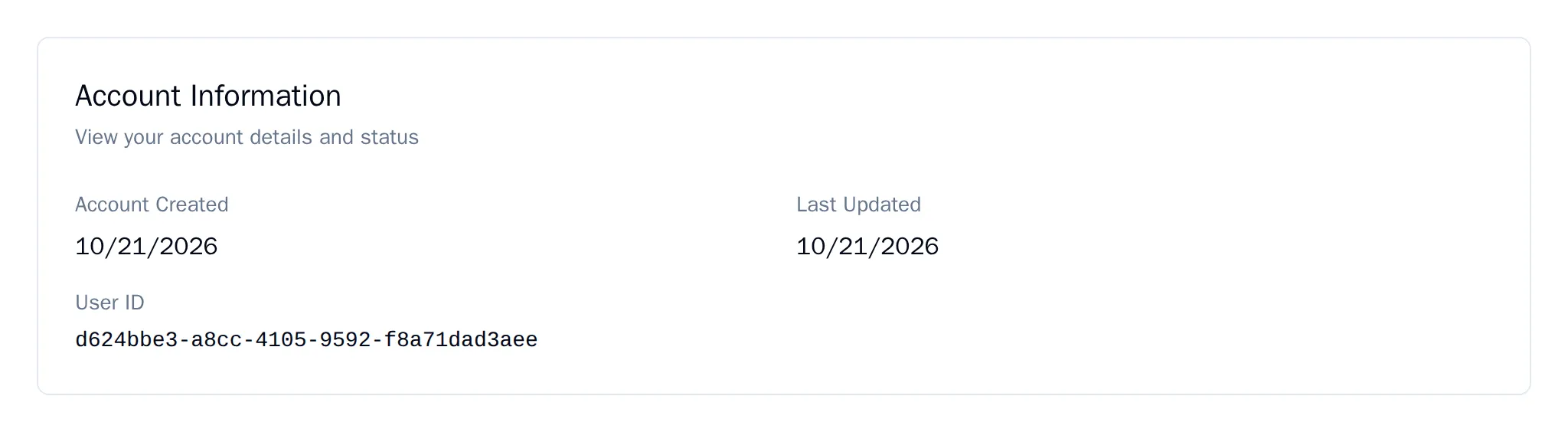
The Account tab shows when you created your account, when it last changed, and your User ID. The support team may ask for that ID when they help you.