Sign in or create an account
Sign in to OKiDO with your email and password, or create an account with an organization of your own.
Who can do this: Everyone in the organization
You sign in to OKiDO with your email address and password. New to OKiDO? Creating an account takes a minute, and it comes with an organization of your own on the Free plan.
Sign in
- Go to app.okido.io.
- Enter your Email and Password.
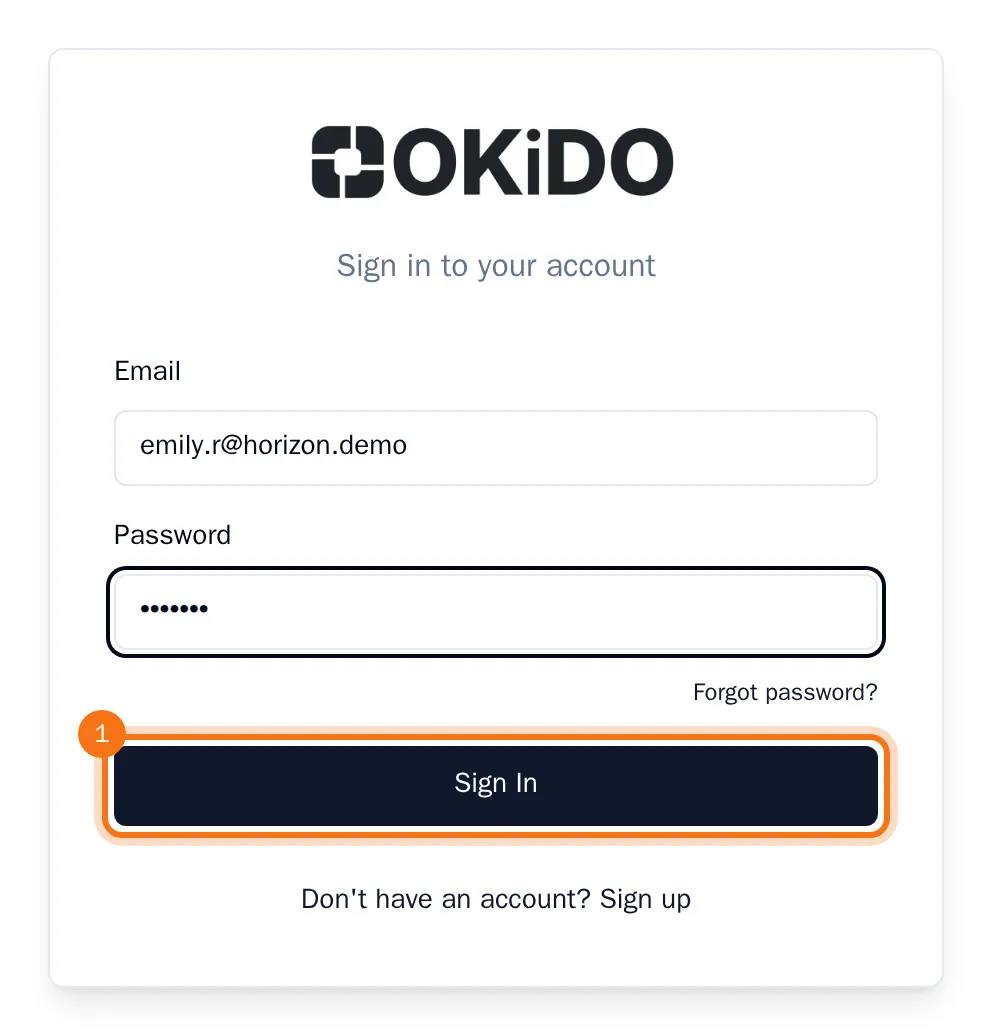
- Choose Sign In.
Your dashboard opens. Forgot your password? Choose Forgot password? under the password field (see Reset a forgotten password).
Create an account
- On the sign-in page, choose Don't have an account? Sign up.
- Enter your Name, your Email and a Password of at least 8 characters.
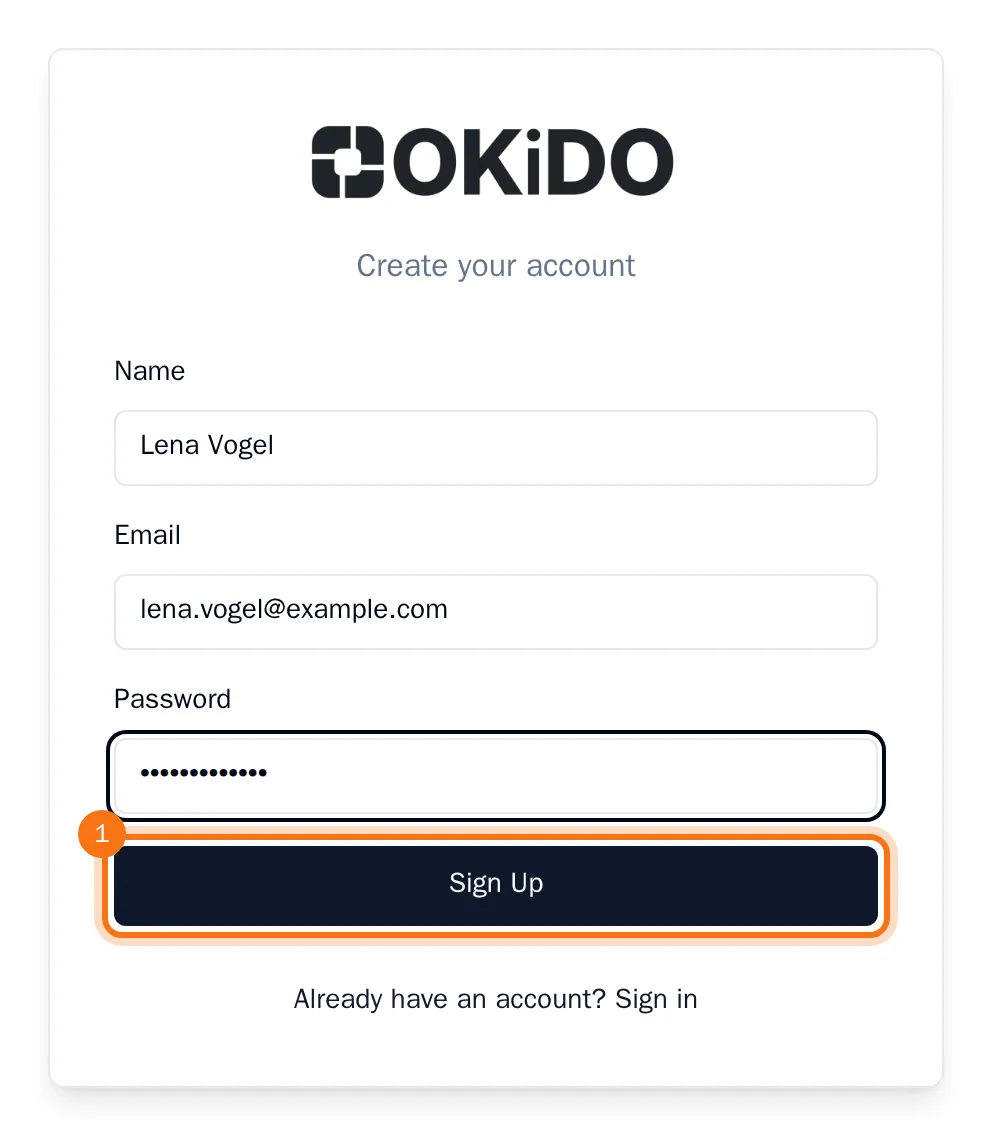
- Choose Sign Up.
OKiDO creates your account and an organization named after you, on the Free plan, and opens its dashboard. You are its owner, so you can invite your colleagues and set up projects right away.
Tip: Did a colleague invite you? Open the link in your invitation email instead. Your new account then joins their organization straight away (see Accept an invitation).