Schedule a recurring run
Let runs of an SOP start by themselves on a schedule, such as every Monday.
Available onStarterProBusiness
Who can do this: Everyone in the organization
For work on a fixed rhythm, such as a weekly content plan or a monthly report, OKiDO can start the runs for you. You set up the schedule once, when you start a run.
Recurring runs are available on the Starter, Pro and Business plans.
Set up the schedule
- Open the SOP template in the Playbook and choose Start Run.
- Enter the Run Name and choose the Priority. Every run the schedule starts gets this name, followed by its date.
- Tick Repeat this run on a schedule.

- Under Schedule, pick one of the suggestions below the field, or type your own schedule the same way, in English.
- If the schedule should start later or stop on a certain day, fill in Start Date and End Date (optional).
- Check the dates under Next occurrences: these are the next days a run starts.
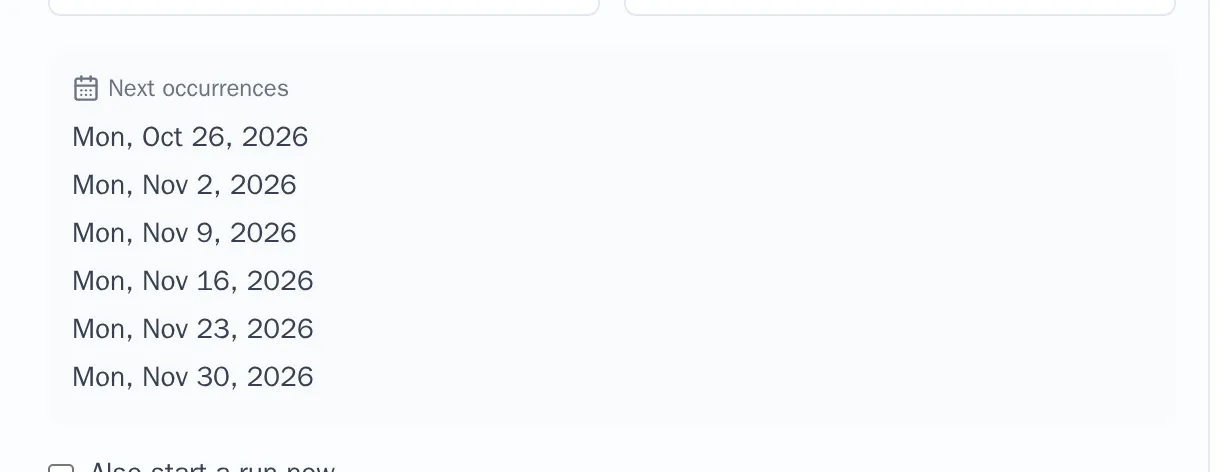
- To start the first run right away as well, tick Also start a run now.
- Choose Schedule.
From now on, a new run starts on every date of the schedule, with the priority you chose. If you ticked Also start a run now, the first run opens right away.