Create an organization
Set up a new organization, pick its plan and finish checkout to start your free trial.
Who can do this: Everyone in the organization
An organization is the shared space for a company or team: its projects, Playbook, runs and members. Anyone with an OKiDO account can create one, for example for a second company or a client. You become its owner, and new subscriptions start with a 14-day free trial.
Set up the organization
- Open the account menu (the person icon at the top right) and choose Create Organization.
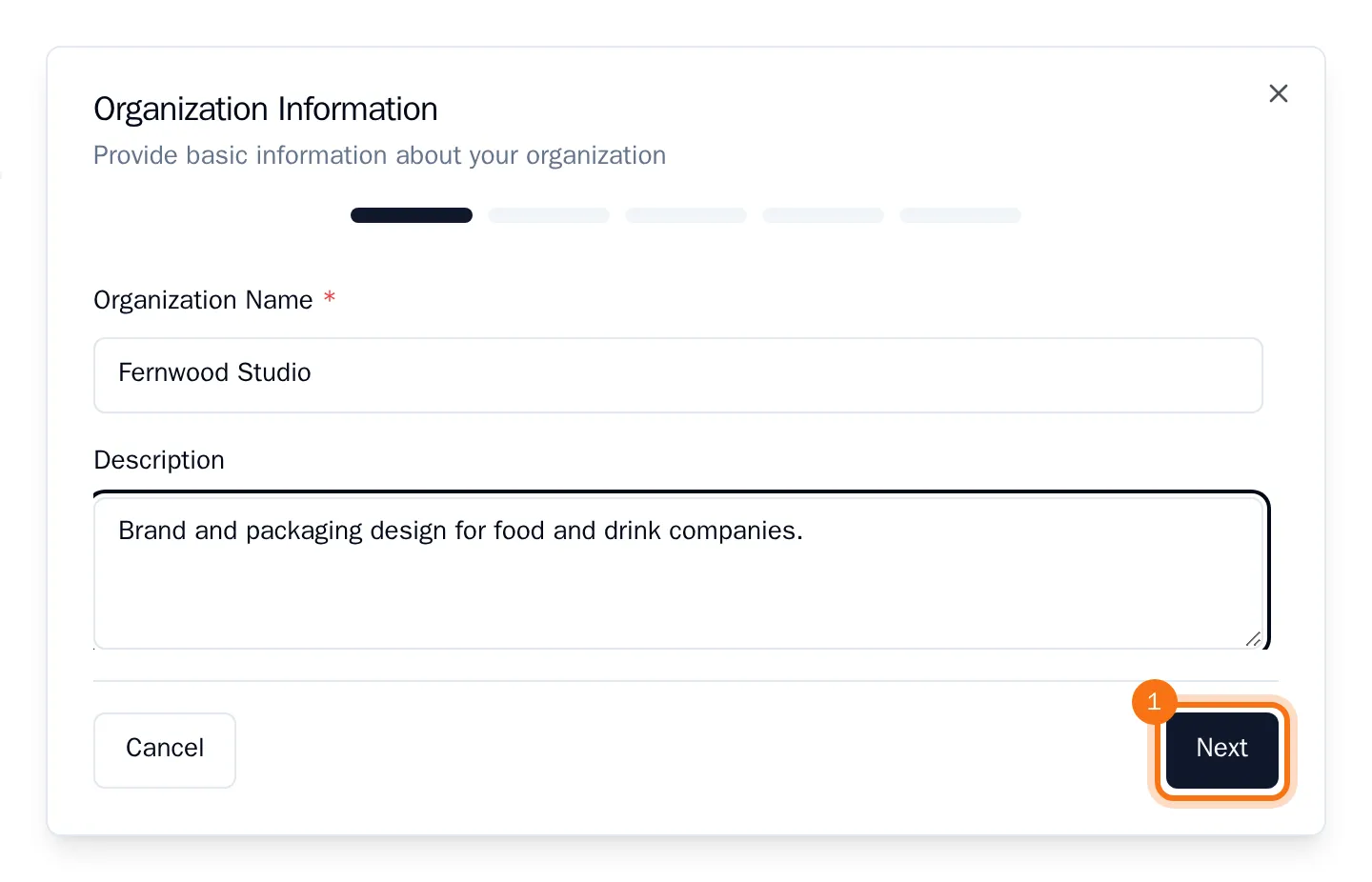
- Enter the Organization Name and, if you like, a Description, then choose Next.
- Pick an Industry Type if you want recommendations for your line of work, then choose Next. You can skip this.
Pick a plan
- Choose a plan: Starter, Pro or Business. Each card shows the monthly price and what the plan includes, such as the number of SOPs, projects, members and AI credits.
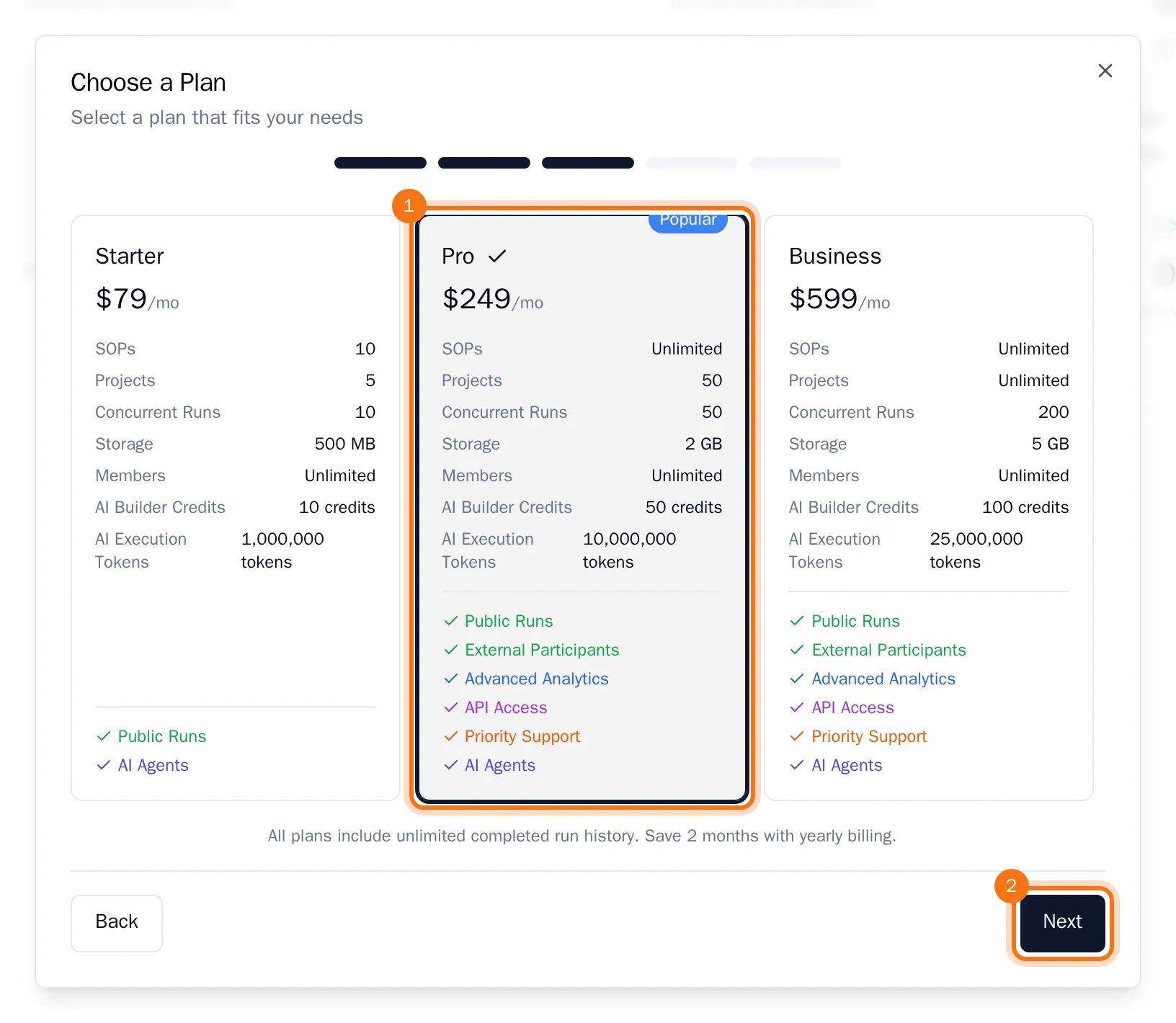
- Choose Next.
- Choose a Billing Cycle: Monthly or Yearly (two months free), and enter the Billing Email for invoices. Then choose Next.
- Check the summary and choose Create & Continue to Checkout.
Finish checkout
OKiDO creates the organization and takes you to secure checkout to add a payment method. You are not charged until your 14-day free trial ends.
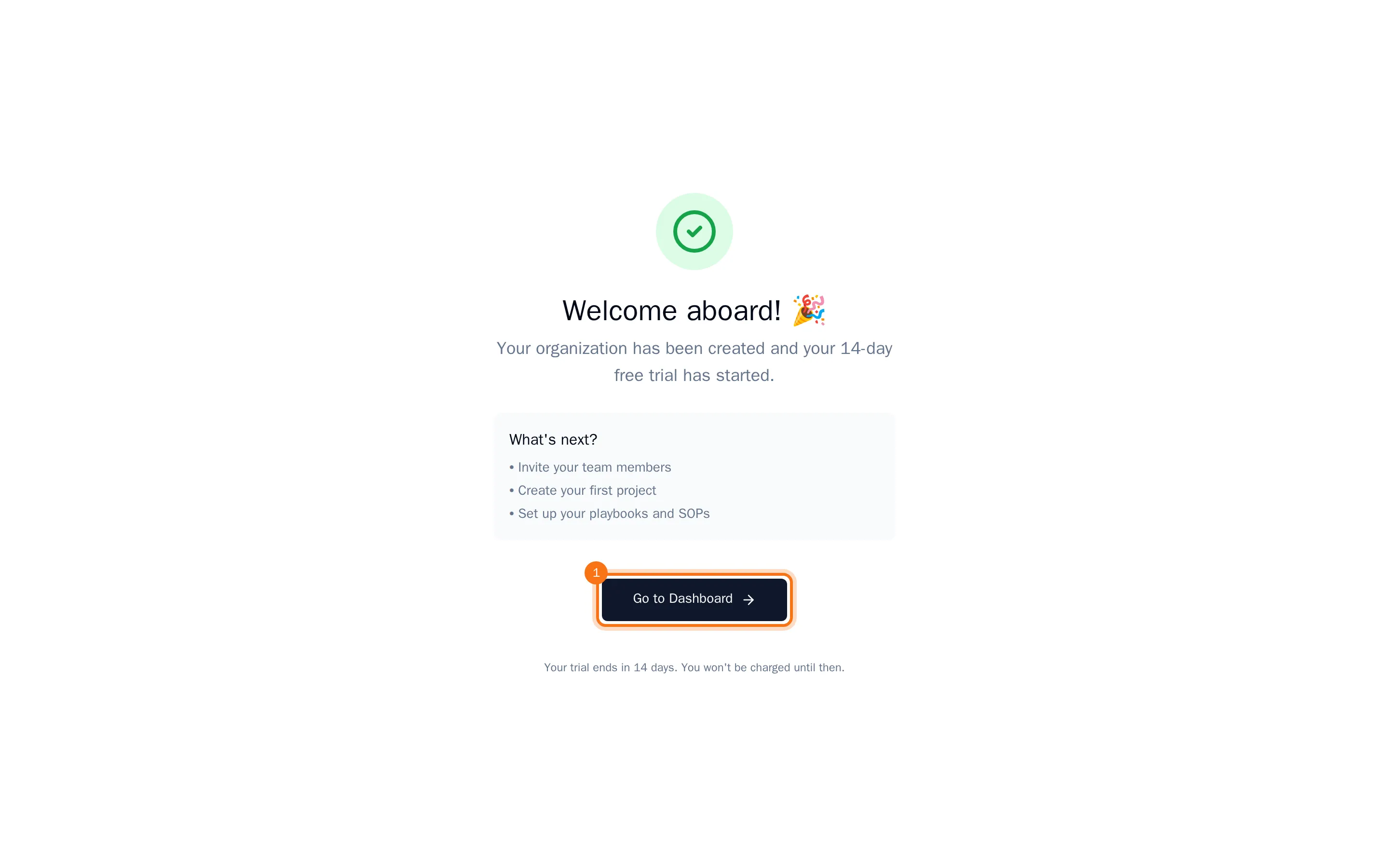
When checkout is complete, you are back in OKiDO with your trial started. Choose Go to Dashboard to start inviting your team and creating projects. The new organization is already selected.
Cancelled checkout, or closed the payment page before it finished? Your organization still exists and uses the Free plan until checkout is complete. On the Payment Cancelled page, choose Try Again to finish it on the Plans tab of the organization's settings, now or later.