Create an SOP template
Create an SOP checklist in a Playbook process, add its steps and publish a version your team can run.
Who can do this: Owner, Admin
An SOP template is the checklist for work your team does again and again, such as onboarding a client or wrapping up a campaign. You create it inside a process of your Playbook, add its steps once, and from then on anyone can start a run from it.
Only owners and admins can create SOP templates.
Create the template
- Open Playbook, then open the folder and the process the SOP belongs to.
- Under the process, choose Add, then SOP Checklist.
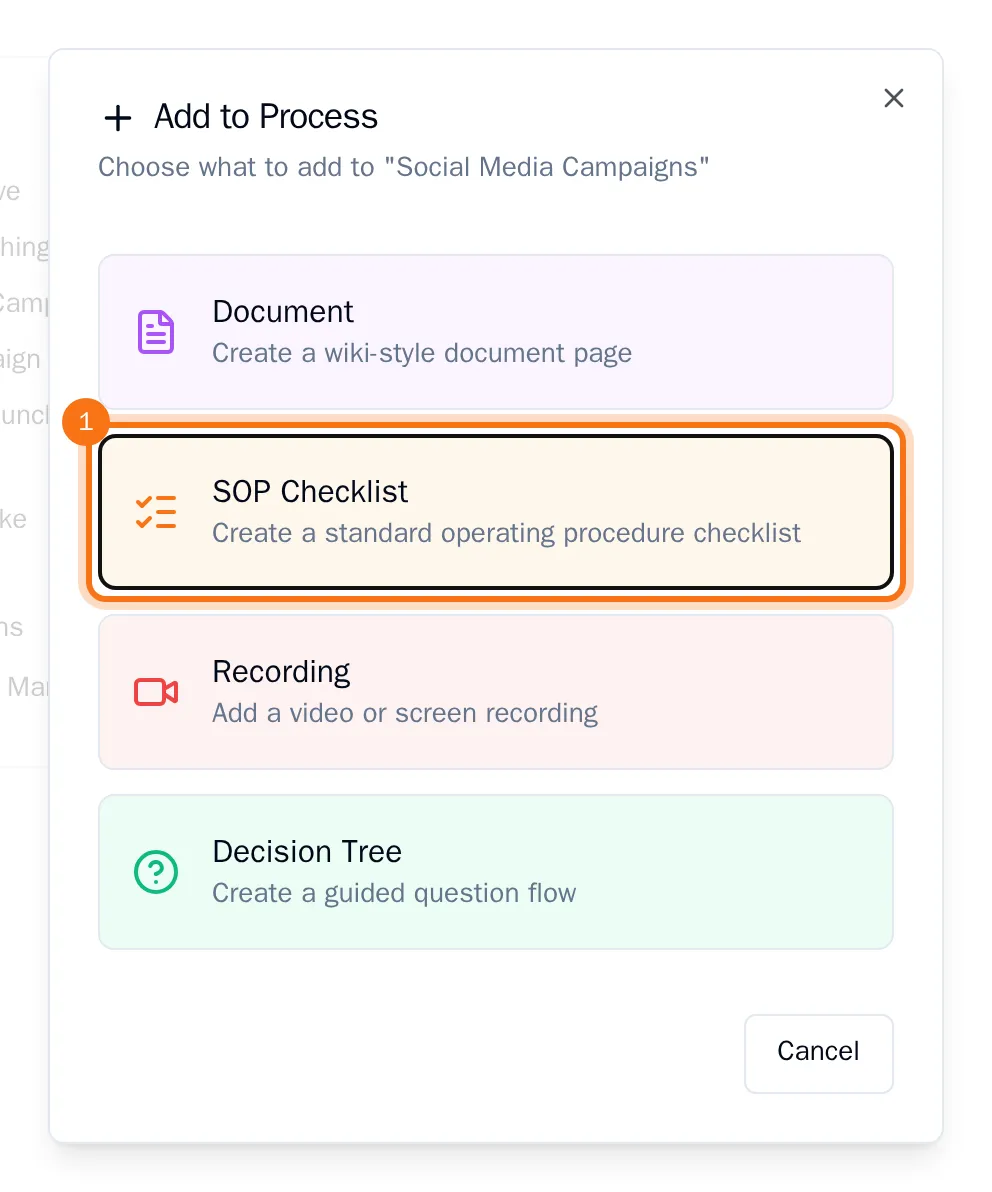
- Enter a name under SOP Name and choose Create SOP.
The new SOP template opens in the editor. It has no steps yet.
Add the steps
- Choose Add Step. The new step appears in the list on the left and opens on the right.
- Replace the title under Step Title with what the step is about. Add a short Description if it helps, and detailed instructions under Rich Content.
- Repeat for every step, in the order people should do them.
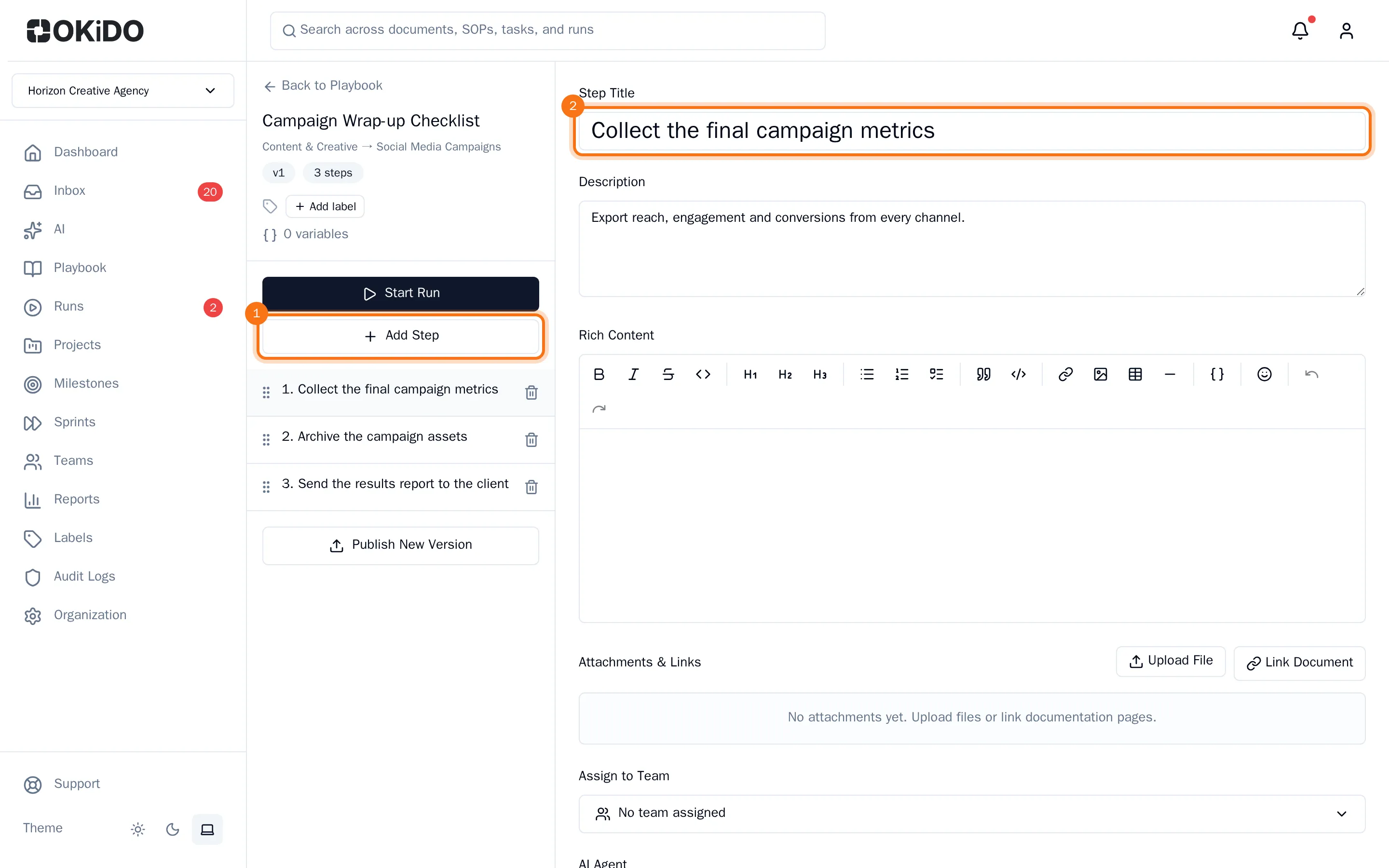
You don't have to save: your changes are saved a moment after you stop typing. To edit a step later, select it in the list.
Publish a version
When the steps are ready, choose Publish New Version at the bottom of the step list.
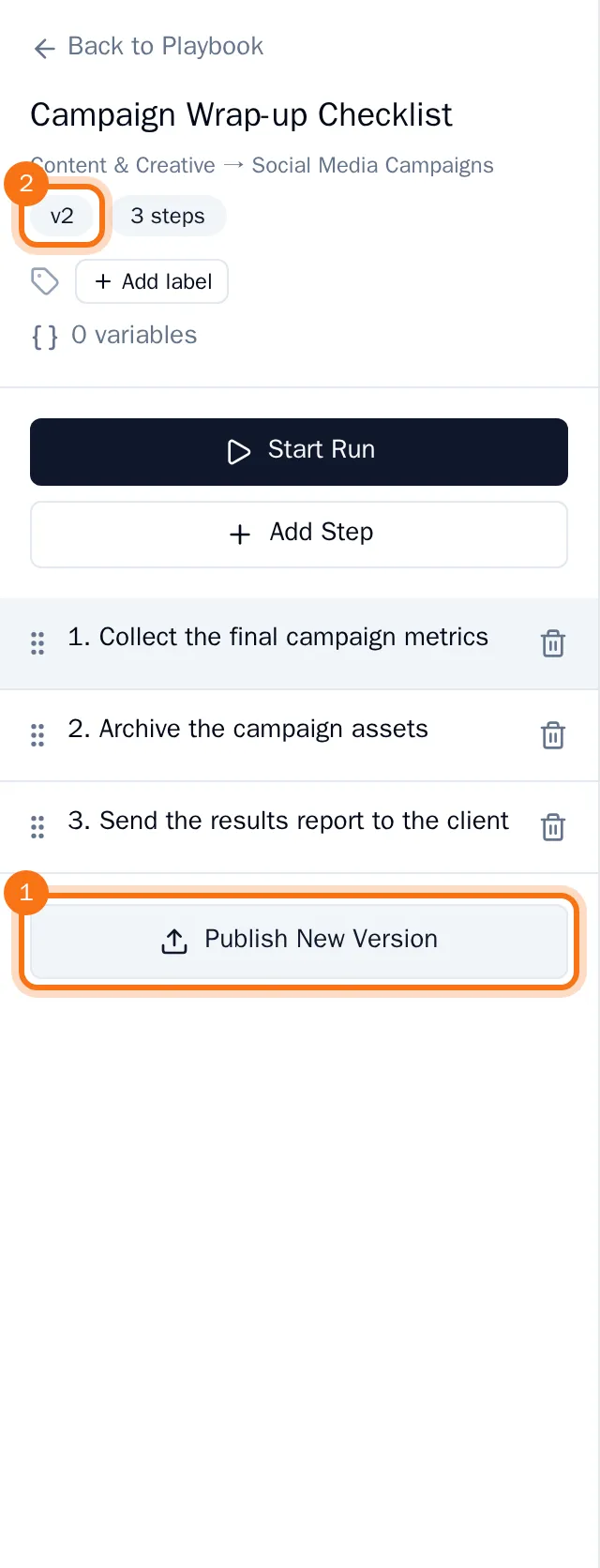
The version number under the name goes up by one. Each run shows the version of the template it was started from, so you can tell which runs started before a change.
Next, add checklists, files and variables to the steps or start a run.