Export a report to CSV
Download the report you are looking at as a CSV file for a spreadsheet or an invoice.
Available onStarterProBusiness
Who can do this: Everyone in the organization
Every time report can go to a spreadsheet: export it as a CSV file, with the same filters you see on the page. That is handy for an invoice, a client update or your own calculations.
Export a report
- Choose Reports in the sidebar and open the report. See Run a time report.
- Set the filters, for example a date range, one project and only billable hours (clear Include non-billable hours).
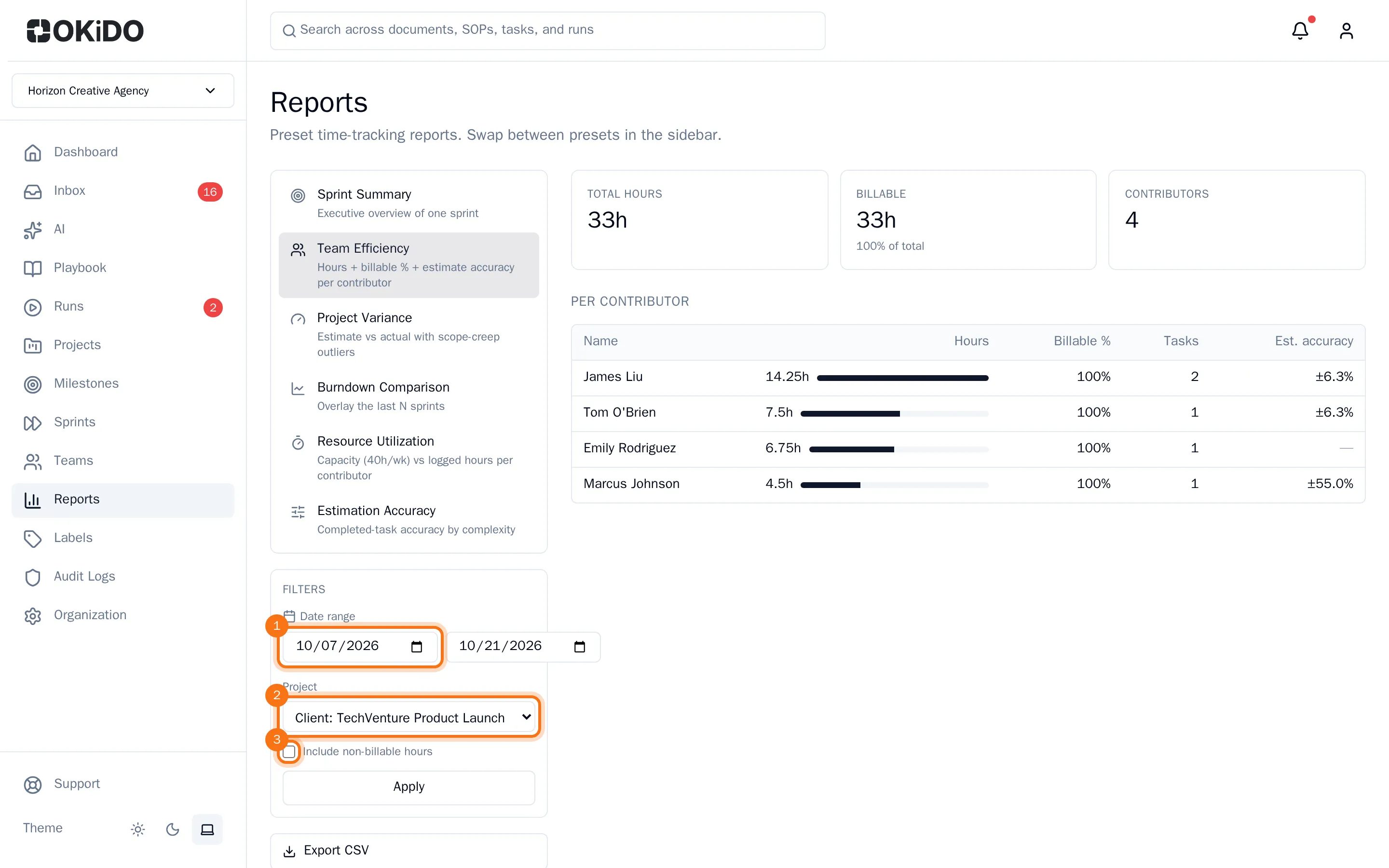
- Choose Export CSV under the filters.
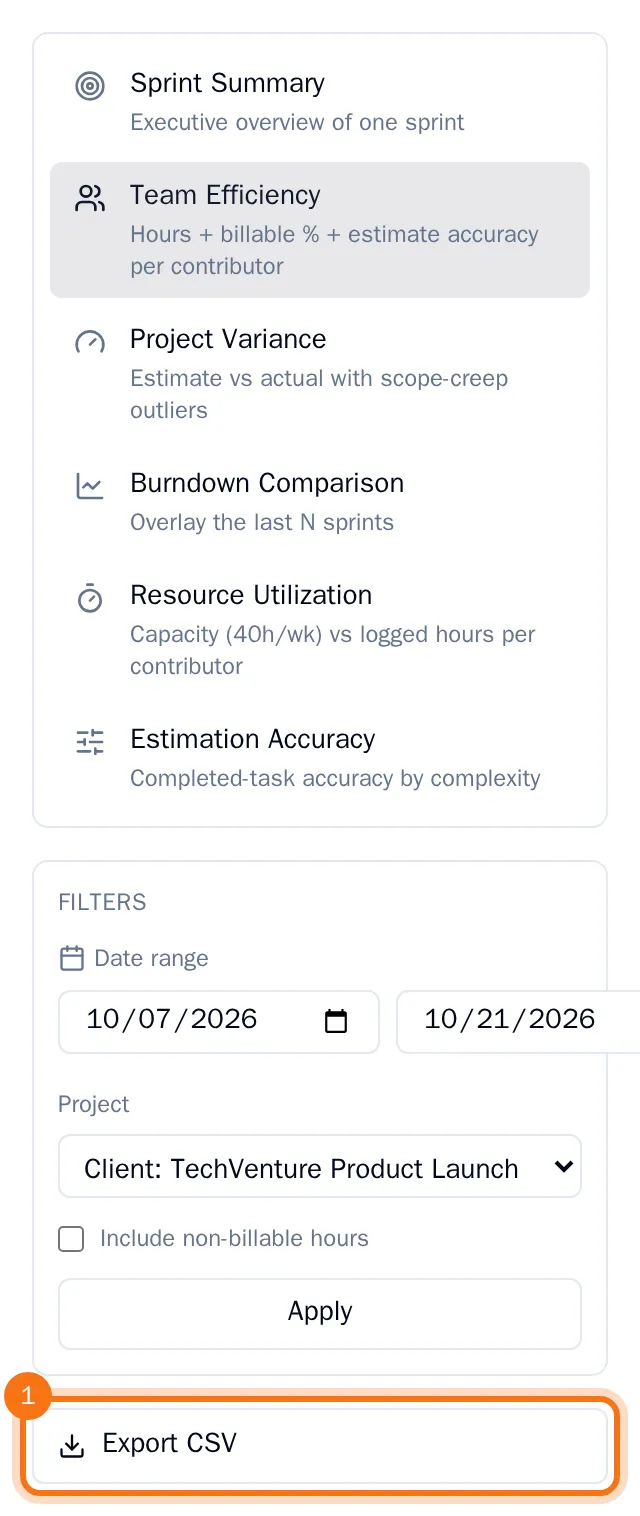
Your browser downloads the file, named after the report and today's date, for example report-team-efficiency-2026-10-21.csv. It holds one line per row of the report's table, such as one line per person or per task.
Open it in a spreadsheet such as Excel, Numbers or Google Sheets.